Oliver Grant
Oliver Grant is the SketchUp modeling and presentation editor at SketchUp Guide. He writes about groups, components, tags and scenes in models that stay editable as a design changes.
-
Install & licenses
How to remove SketchUp from a dead computer and free the license
Try the replacement sign-in first, then reset your own activations if the limit is reached. Follow the current Admin Console or AMP controls, check a missing button, and handle Classic licenses separately.
-
Install & licenses
SketchUp system requirements for Windows and Mac
Check SketchUp 2027 against Windows 11 or an Apple silicon Mac, then compare RAM, free storage and graphics support. Includes the Intel Mac legacy route, hardware checks, and separate web and iPad requirements.
-
Drawings, LayOut & export
How to draw a floor plan in SketchUp and turn it into a drawing
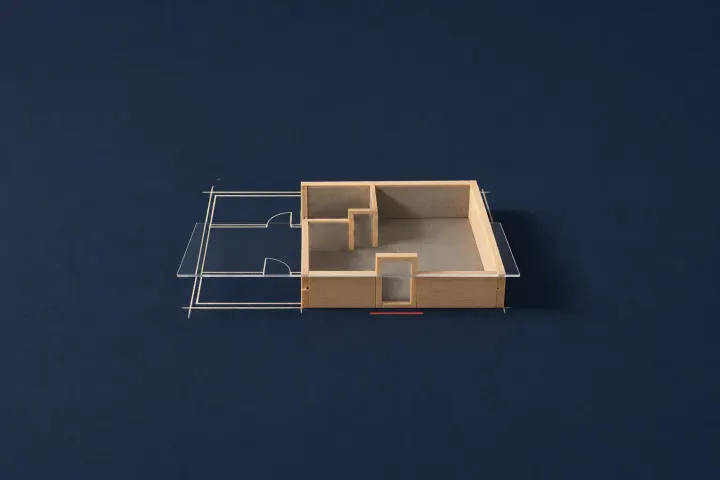
Draw a measured floor plan from typed sizes or a calibrated image, keep the walls in a group and save a sectioned top view. Use LayOut for paper scale or Free for a PNG.
-
Drawings, LayOut & export
What SketchUp LayOut is and how to send a model to it
LayOut turns a saved SketchUp scene into a scaled drawing sheet. Choose Pro for the desktop workflow, set the viewport scene and scale, attach dimensions and labels, then update the model reference before export.
-
Modeling
How to make a sphere in SketchUp with Follow Me
Make a sphere from a flat path circle and an upright profile, type and check its radius, then sweep with Follow Me. Includes web and iPad controls, segment choices, face checks and half-profile shapes.
-
Design projects
SketchUp for interior design: from floor plan to furnished room
Start with measured room dimensions and separate containers. Build the shell, cut openings, check furniture and finishes, then save the scene properties your LayOut views need.
-
Extensions & rendering
V-Ray for SketchUp: what it does and how to get it
V-Ray adds materials, lights and render output to desktop SketchUp. Choose Studio on Windows or a separate Chaos license, avoid the Pro-trial trap, check both vendors' requirements and save the first rendered image.
-
Free versions & plans
How much SketchUp costs: plan prices, billing and refunds
Compare SketchUp prices per user and choose between annual and monthly payments. Check the refund window and turn off auto-renewal to stop the next charge.