SketchUp Go: what the web and iPad plan includes
Go covers paid browser tools and iPad modeling. Choose Pro when the work needs Desktop or LayOut, and check file location and purchase channel before upgrading.
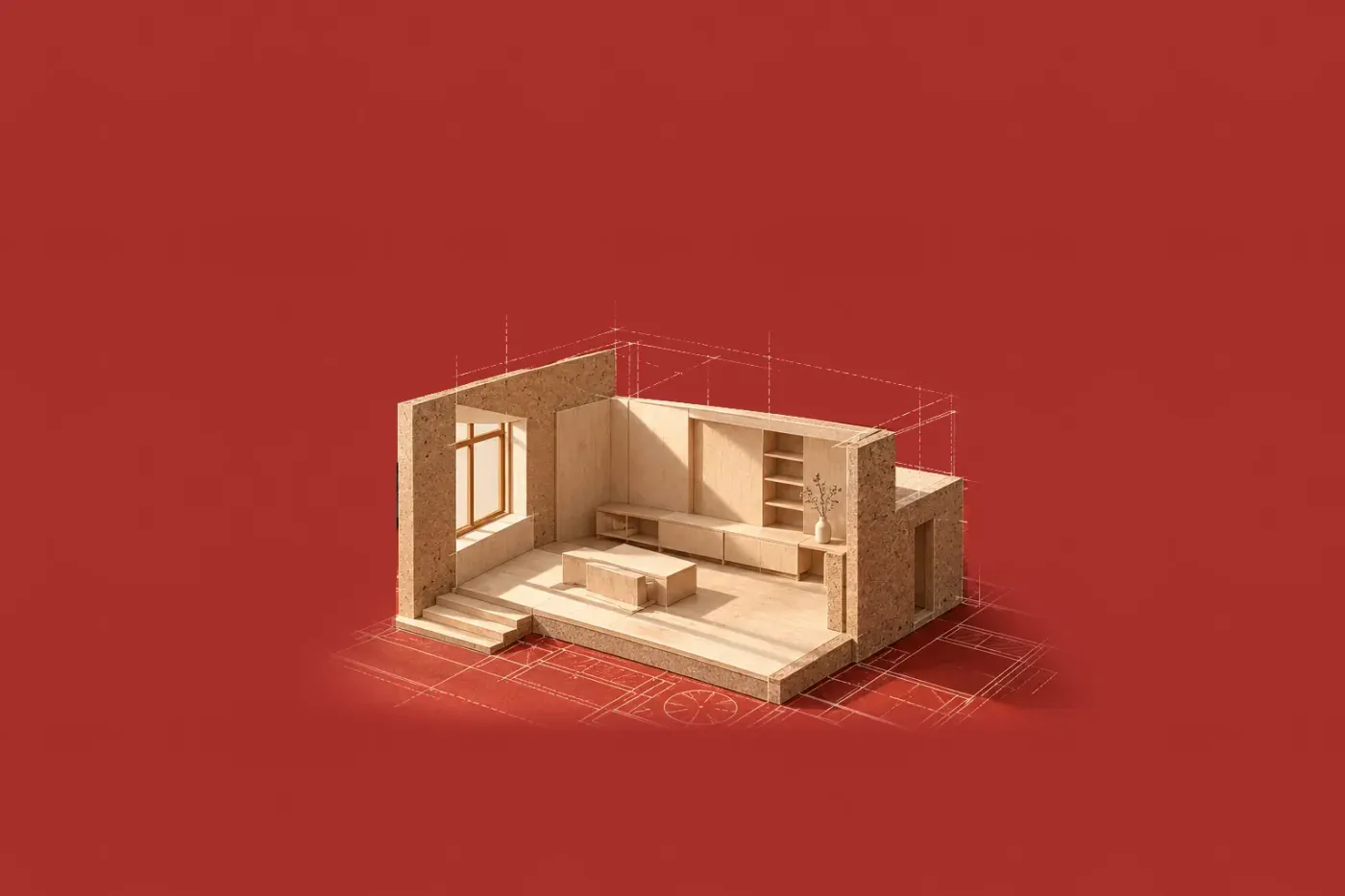
SketchUp Go includes the paid web modeler, SketchUp for iPad, and unlimited Trimble Connect cloud storage. I'd choose Go for browser modeling with CAD exchange or for creating models on an iPad: both are covered without buying the desktop tools. Choose Pro when the job needs SketchUp for Desktop or LayOut.
For a US direct purchase, Go costs $129 per user for an annual term, advertised as $10.75 a month but billed annually. The monthly option is $19.99 per user, billed monthly. Tax and VAT are excluded, and regional checkout pricing can differ. I would compare the full annual charge with the monthly term before buying for a short project.
Choose the plan by the model or drawing you need
A room model and a set of drawing sheets ask different things of a subscription. Start with the file you need to deliver. The official plan comparison separates Go's web and iPad apps from the desktop tools included in Pro.
- Make a personal, noncommercial model with the basic browser tools: Free. Web. Includes 10 GB of Trimble Connect storage; the paid Web controls and the iPad modeler start at Go.
- Use the paid browser controls or exchange DWG/DXF files: Go. Web. Paying for Go doesn't add the desktop app or extensions to the browser.
- Create and edit models in SketchUp for iPad: Go. iPad. Pro also includes this app, so a Pro subscriber already has it.
- Build a drawing set in LayOut or use desktop extensions: Pro. Desktop. Pro is the first plan with these tools.
- Use the included V-Ray renderer, Revit Importer and Scan Essentials together: Studio. Windows. Studio bundles all three; selected tools also appear in named Pro bundles.
Free is a useful starting point for a personal project, but SketchUp explicitly excludes commercial use from Free. Go and Pro are available with monthly or annual billing. Compare the billing basis and current plan prices before choosing a term.

Use Go's paid Web tools without expecting the desktop app
Open SketchUp for Web in a browser with an internet connection, then sign in with the Trimble ID associated with your subscription. Go on a desktop computer runs entirely in the browser. On the Home page, click Create new or select a unit of measurement for the model.
Go adds ways to manage the objects already in your browser model. The Web feature comparison lists Outliner and tag folders for subscribers. Outliner gives you the model's object hierarchy; tag folders help organize visibility as the model grows.
Subscribers can create and edit styles and materials, and use the full Solid Tools set. Free has Outer Shell.
For a CAD handoff, subscriber Web tools support DWG and DXF import and export. That can make Go sufficient when the job is browser modeling followed by a CAD file exchange. Drawing sheets are a LayOut job, and LayOut starts at Pro.
The same Web feature comparison lists extensions and Dynamic Components as unavailable in Web, including for subscribers. If an extension is essential to the model, choose a plan with SketchUp for Desktop and check that extension's own version and platform support.
Match each feature to Web or iPad
Go includes the iPad modeler as well as the browser modeler. The Go FAQ recommends a keyboard and mouse for Web work and says SketchUp for iPad has what you need to model on a supported iPad; the SketchUp on iPad guide covers its controls. On Android, the FAQ points to Trimble Connect for accessing projects; the native modeling app included in Go is SketchUp for iPad.
The Go plan card lists Photoreal Materials for iPad only, and Go also includes Environments. In the browser, PBR materials display only with the WebGPU graphics engine.
You also get access to 3D Warehouse and can configure the ready-made parametric Live Components included in Go. These bring objects into a model, while Extension Warehouse tools stay with SketchUp for Desktop. AI features use Trimble Credits, including monthly Plan Credits and optional Purchased Credits. Go lists 100 Trimble Credits per month; that is a credit allowance, not a promise of 100 renders.
Unlimited Connect storage and Warehouse downloads have different limits. The current Go comparison row lists 250 daily and 2,500 monthly Warehouse downloads. Keep those download limits separate from the plan's unlimited cloud storage.

Check the higher-plan tool before upgrading
Choose Pro when the missing application is SketchUp for Desktop or LayOut, and check the desktop system requirements first: SketchUp 2027 needs Windows 11 or a Mac with Apple silicon. A need for V-Ray is a different purchase decision, because V-Ray, Revit Importer and Scan Essentials sit above base Pro.
Studio includes all three on Windows. The plan comparison also lists Windows Pro bundles for selected workflows, such as point-cloud work or Revit import. Identify the required tool before choosing the upgrade, since one step from Go to base Pro stops at Desktop and LayOut.
Find your files before changing the subscription
Unlimited Connect storage covers cloud saves; local iPad copies stay on the iPad. Web saves to Trimble Connect unless you choose a local save, while iPad models can be saved locally or to Connect.
Back up local iPad models before any plan change. The iPad file and subscription FAQ puts them in On My iPad > SketchUp in the Files app and warns that deleting the SketchUp app also deletes the files in that folder. Connect models are in My SketchUp Models under Projects by default; if one is missing, check your other Connect projects and the Trimble ID tied to your subscription. If the iPad app asks you to upgrade despite an active subscription, sign out and back in with that Trimble ID.

Before an upgrade, identify where you bought Go: a direct SketchUp purchase uses SketchUp's account-management tools, while an App Store purchase follows Apple's separate subscription route. Check the billing terms in the cost guide before replacing a subscription.
With the model's location and purchase channel clear, choose the next application you need: Go for Web or iPad work, Pro for Desktop or LayOut. If the deciding tool is a renderer or importer, compare all SketchUp plans against that tool before buying.